Setup LLM model for Microsoft Azure
We take data security very seriously. Your code will sit on your premises and go to a model that you control, sitting in your cloud. Click here to understand Microsoft's data security policy.
Pre-requisites
An Azure Subscription with a valid payment Method (You should already have this)
An Azure AI Hub Resource
Go to this link
Set the region to
East US 2ORSweden CentralORFrance CentralSet the name to
<ORGANIZATION>-Azure-AI-HubPress
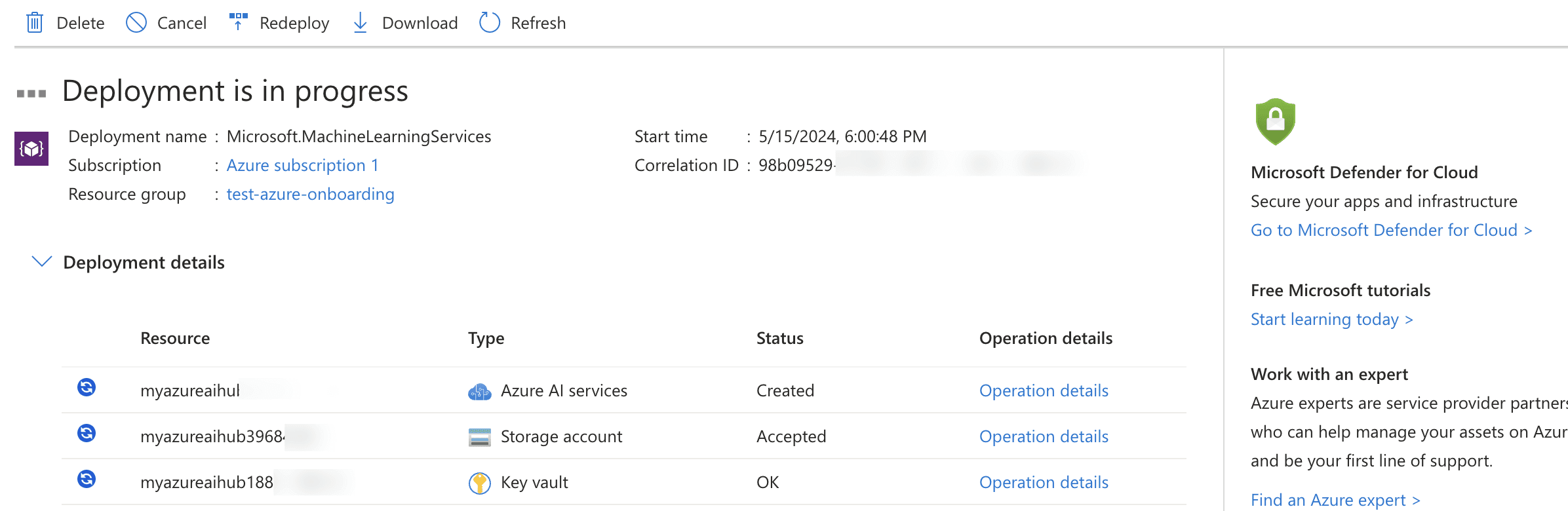
Review + CreateCreateYou will see the below.
An Azure AI project in Azure AI Studio
Once the Azure AI Hub Resource has been created, click on
Go to resourceClick on
Launch Azure Ai StudioClick on
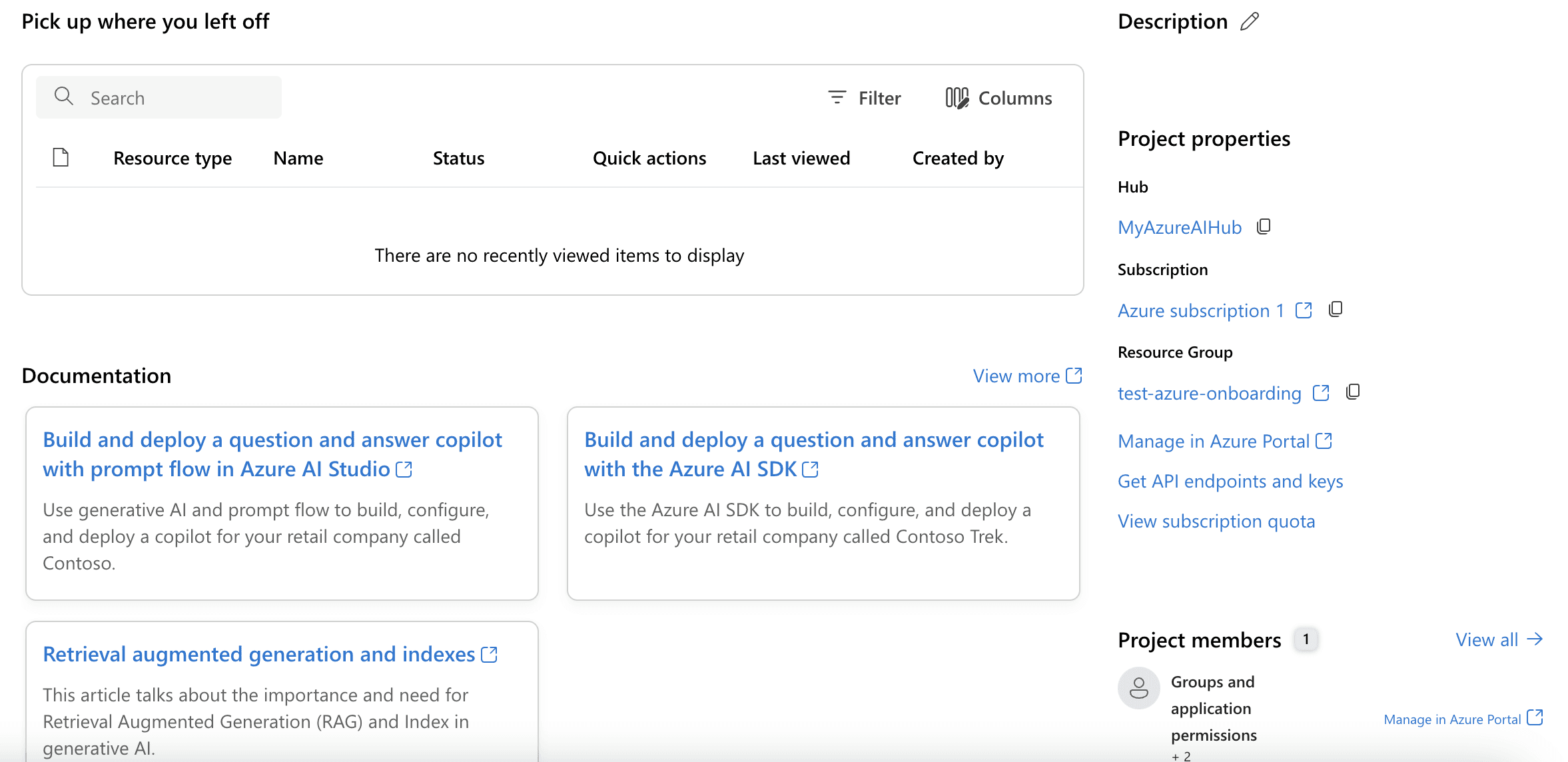
+ New ProjectCreate ProjectYou will see the below.
Setting up Mistral Large
In the left nav bar, under Get started section, click on
Model catalog

Search for
Mixtral Large

Select
Mistral LargeThen press
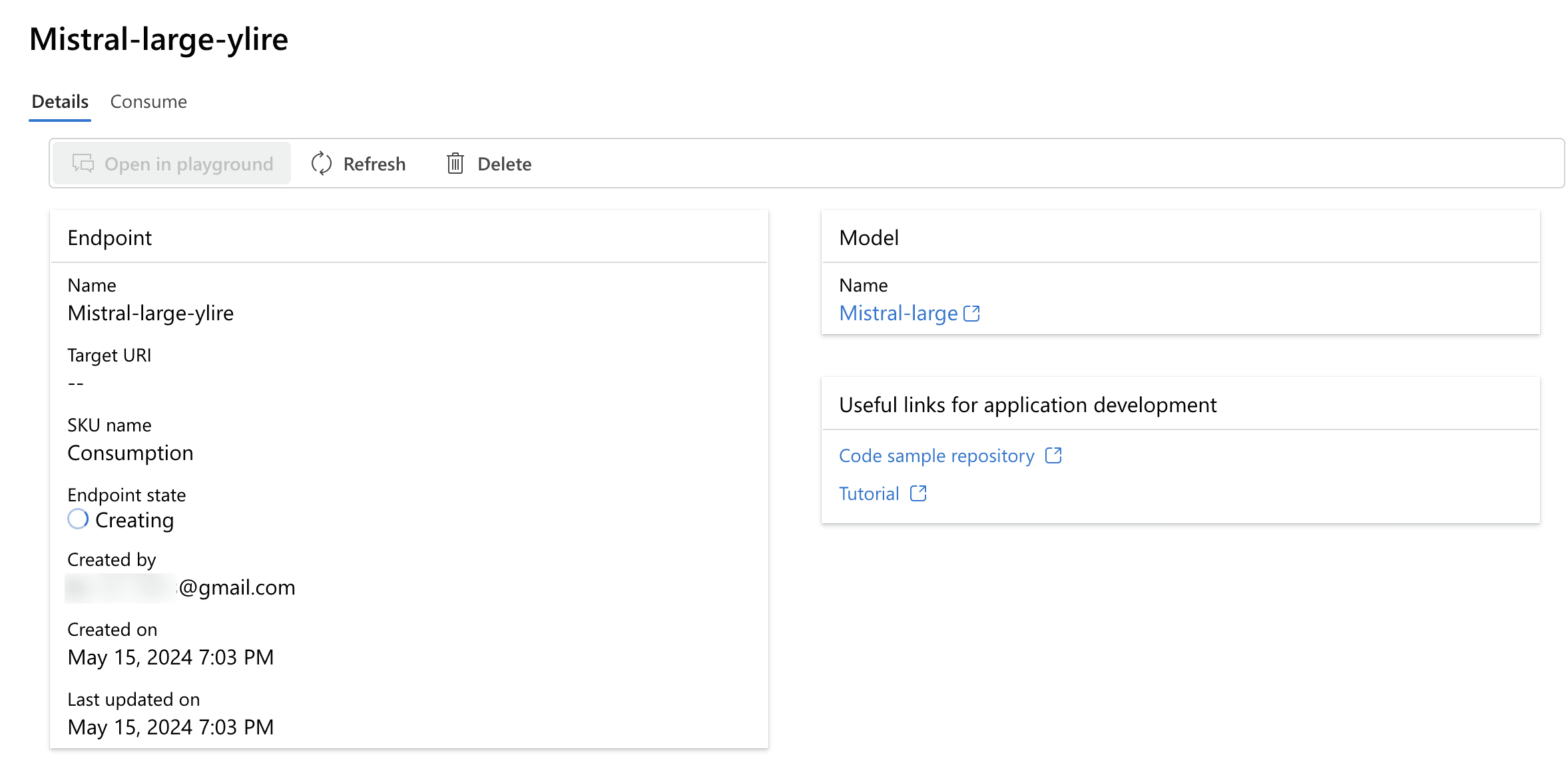
DeployYou will see the below
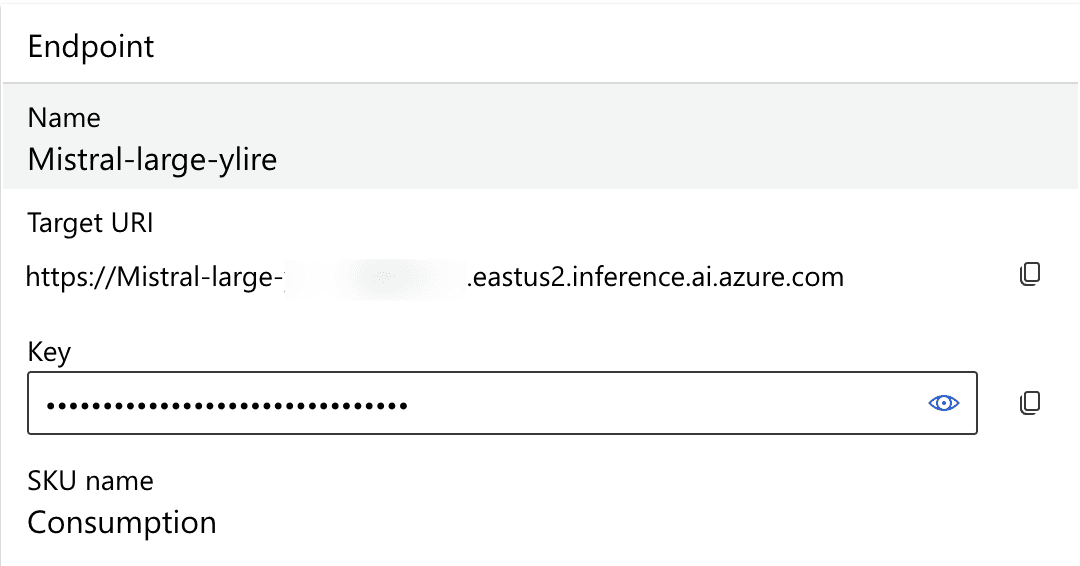
Take note of the
Target URIand theKey